

Camera Memory Cards in India: SD, microSD and CFexpress Explained
Your camera accepts one specific card format at one minimum sustained write speed. Here is how to read speed classes, a compatibility table for popular Sony, Nikon and Canon bodies, and how to avoid counterfeit cards in India.
01 August 2026
Share
Your camera does not accept “a memory card.” It accepts one specific format, at one minimum sustained write speed, and getting either wrong means dropped frames, a card the camera refuses to format, or money spent on speed the body cannot use. The short version: check your camera’s slot type first, then buy the slowest card that comfortably exceeds your highest video bitrate. Everything else is detail, and this guide covers all of it — formats, speed classes, a compatibility table for the bodies we sell most, and how to avoid the counterfeit cards that circulate widely in India.
The five formats you will encounter
SD (SDHC / SDXC) — the standard full-size card. SDHC tops out at 32GB, SDXC covers 64GB to 2TB. Almost every mirrorless and DSLR body under ₹2 lakh uses this.
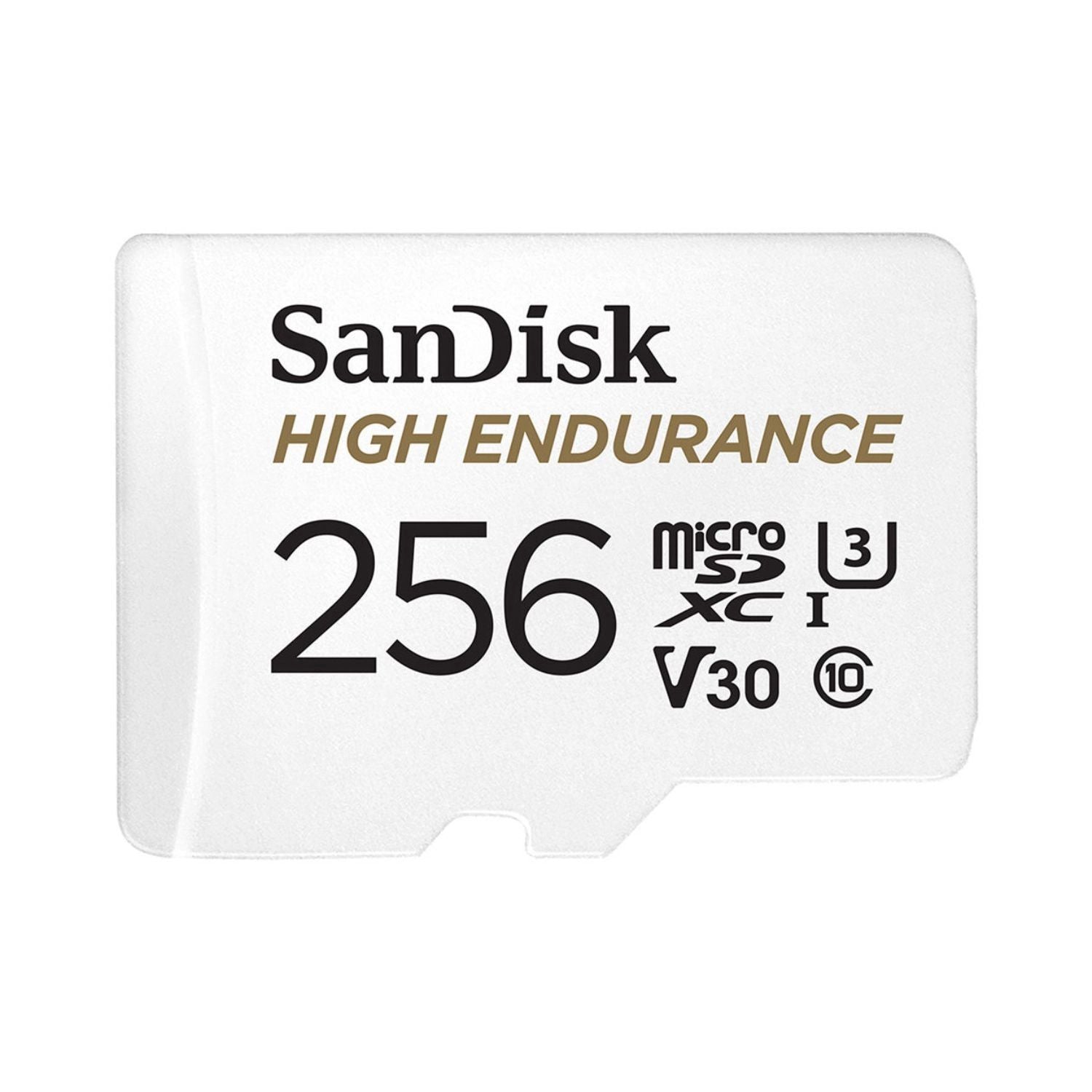
microSD — physically smaller, same electronics. Used by action cameras, 360 cameras, drones, gimbals and a few compact bodies. An adapter makes it fit an SD slot, but adapters add a failure point, so avoid them in a camera you care about.
CFexpress Type A — Sony’s format, used only by Sony. Physically the size of an SD card, which is why Sony bodies can offer dual-format slots that take either a CFexpress Type A or an SD card in the same slot. Faster than SD, slower than Type B.
CFexpress Type B — the professional standard, used by Nikon, Canon and others. Much larger physically, much faster, and considerably more expensive per gigabyte.
XQD — the predecessor to CFexpress Type B. Same physical shape. Older Nikon bodies shipped supporting XQD and gained CFexpress Type B support through firmware. If you own one, a Type B card is the better buy today.
Browse everything in storage media.
Speed classes, decoded
This is where most of the confusion lives, because a card can carry four different speed markings at once.
The V number is the one that matters for video. V30, V60 and V90 state the minimum sustained write speed in MB/s — 30, 60 and 90 respectively. Sustained is the key word: video recording needs a floor, not a peak.
UHS-I vs UHS-II describes the bus, not the card. UHS-I tops out around 104 MB/s. UHS-II adds a second row of pins and reaches around 312 MB/s. You can spot a UHS-II card instantly by that second pin row.
The big “200MB/s” on the front is the read speed. It tells you how fast you can offload to a computer. It says nothing about whether the card can keep up while recording.
Class 10 and U1/U3 are legacy markings. U3 is equivalent to V30. Ignore Class 10 entirely on any modern card.
Rough guide to what you actually need:
| Your use | Minimum |
|---|---|
| Stills, JPEG or moderate RAW bursts | V30 |
| 4K up to 30p, standard bitrates | V30 |
| 4K 60p, or long continuous recording | V60 |
| 4K 120p, 6K, 8K, high-bitrate or 10-bit codecs | V90 or CFexpress |
| Deep RAW burst shooting on a fast body | UHS-II or CFexpress |
Compatibility: which card for which camera
Slot types by body family. Always confirm against your camera’s manual — manufacturers occasionally change slot configurations between revisions, and firmware updates sometimes add formats.
| Camera family | Card type |
|---|---|
| Sony a7 III, a7R III, a6000-series | SD UHS-II |
| Sony a7 IV, a7R V, a7S III, a1, a9 III, FX3 | CFexpress Type A or SD UHS-II (dual-format slots) |
| Nikon Z5, Z50, Z30, Zfc | SD (UHS-I or UHS-II depending on model) |
| Nikon Zf | SD UHS-II + microSD |
| Nikon Z6 II, Z7 II, Z6 III | CFexpress Type B (or XQD) + SD UHS-II |
| Nikon Z8 | CFexpress Type B + SD UHS-II |
| Nikon Z9 | Dual CFexpress Type B |
| Canon R8, R10, R7, R6 Mark II | SD UHS-II |
| Canon R5, R5 Mark II, R3 | CFexpress Type B + SD UHS-II |
| GoPro, Insta360, DJI, gimbals | microSD, V30 minimum |
Two rules that resolve most remaining confusion:
Cards are backward compatible both ways. A UHS-II card works in a UHS-I slot, and a UHS-I card works in a UHS-II slot. In both cases you get UHS-I speeds. Nothing breaks; you just do not get what you paid for.
A dual-format Sony slot does not mean both at once. One card per slot. The slot simply accepts either shape.
For bodies, see mirrorless cameras, DSLR and action cameras.
How much capacity
Buy two medium cards rather than one large one. A single 512GB card holding an entire wedding is a single point of failure, and card failures do happen.
Rough capacity per 64GB:
- Compressed RAW stills, 24MP: roughly 1,500–2,000 frames
- 4K 30p at around 100 Mbps: roughly 80 minutes
- 4K 60p at around 200 Mbps: roughly 40 minutes
- 8K or high-bitrate 10-bit: often under 20 minutes
If your body has two slots, use the second for overflow on a normal shoot and for simultaneous backup on anything you cannot reshoot.
Counterfeit cards: a real problem in India
Fake SanDisk, Samsung and Lexar cards circulate widely through marketplace sellers and grey channels. They are convincing physically. The failure mode is nasty: the card reports a large capacity to your camera, records happily, and then the files are corrupt because the actual flash inside is a fraction of the claimed size.
How to protect yourself:
Buy from authorised sellers. This is the only reliable protection, and it is the whole reason the price gap exists.
Treat a large discount as a warning. Memory card margins are thin. A card priced far below the market is not a deal.
Test a new card before you trust it. Free tools like H2testw on Windows or F3 on Mac and Linux write data across the full capacity and read it back. Ten minutes on a new card is cheap insurance.
Format in the camera, never on a computer. This applies to genuine cards too, and prevents a surprising number of problems.
We stock SanDisk, Samsung, Sony, Nextorage and Lexar through authorised channels.
Offloading: cards are not storage
A memory card is a working surface, not an archive. Flash memory loses charge over years, cards get reformatted, and a card sitting in a drawer is a backup nobody is maintaining.
Get footage onto a portable SSD the same day. The Samsung T7 Shield and T9, and the SanDisk Extreme Portable SSD, are the standard field choices — fast enough to edit directly off, and rugged enough to travel. For studio archives, spinning disks still cost far less per terabyte, which is where LaCie desktop drives and RAID enclosures fit.
If you shoot to an external recorder, that is a third category again — Atomos recorders write to their own SSD media rather than to camera cards.
The working rule is three copies, on two different media, with one off-site. It sounds excessive until the first time you need it.
See storage media for cards, portable SSDs and desktop drives.
Card care
- Format in-camera before every shoot, not delete-all.
- Do not fill a card completely. Leave headroom; write performance degrades near capacity.
- Eject properly and never pull a card mid-write. Most corruption traces to this.
- Label your cards and rotate them. A card in constant use for three years should be retired.
- Keep them dry. In monsoon regions store spares with your gear — see our guide to dry cabinets and lens fungus.
Frequently asked questions
Will a faster card make my camera shoot faster?
Only until the camera becomes the bottleneck, which happens quickly. A faster card clears the buffer sooner, so bursts recover faster, but it cannot raise the frame rate.
Can I use a microSD with an adapter in my camera?
It works, but the adapter is an extra electrical connection and a common source of intermittent faults. Use a full-size SD card in a camera.
Is CFexpress Type A or Type B better?
Type B is faster and cheaper per gigabyte. Type A exists because it fits a slot that also takes SD. Neither is a choice — your camera decides.
What does the TOUGH branding mean?
Sony’s ribless, single-piece SD construction, rated for higher bend and drop resistance. Genuinely more durable, at a price.
How long do memory cards last?
Flash wears with write cycles. Consumer cards handle years of normal use; retire cards used daily after two to three years, or at the first unexplained error.
Do I need V90 for 4K?
Usually not. Standard 4K 30p sits comfortably within V30. V90 matters for 4K 120p, 6K, 8K and high-bitrate 10-bit codecs.
Shop all memory cards and storage, or explore camera lenses and cameras.