

64GB, 128GB or 256GB Memory Card? How Much Storage You Need for Photos and 4K Video
A plain guide to choosing between 64GB, 128GB and 256GB memory cards, with approximate photo and 4K video capacity from camera maker figures. Covers speed class, high endurance cards for dashcams, and when two smaller cards are safer than one big one.
12 October 2026
Share
Most people land on 128GB. Choose 64GB for casual photos and short trips, 128GB for regular 4K video and event shoots, and 256GB for long 4K or high-bitrate recording, and check the speed class before you check the capacity. On a 33MP camera, a 128GB card holds roughly 3,800 compressed RAW photos or about two and a half hours of typical 100 Mbps 4K video. Dashcams and CCTV need a high endurance card instead.
How to work out what fits on a card
You do not need a calculator app. You need two numbers: the size of one photo, or the bitrate of your video. Everything below uses figures published by camera makers, and every one of them is approximate. Real counts shift with the scene, ISO, and the card itself.
Photos: file size decides the count
Sony's help guide for the 33MP α7 V lists compressed RAW at about 1,900 images on a 64GB card and 3,800 on 128GB. Lossless compressed RAW drops to about 1,200 and 2,600. JPEG Fine runs to about 4,800 and 9,600. Sony notes the figures vary with shooting conditions and the type of card.
Nikon's manual shows how resolution changes things. On the Z 6II (24MP class), a lossless compressed 12-bit RAW is about 20.6 MB, and a 128GB card holds about 3,000. On the Z 7II (45MP class), a lossless compressed 14-bit RAW is about 47.3 MB, and the same card holds about 1,400. Nikon quotes those counts for a 128GB card, so halve them for 64GB and double them for 256GB. That halving and doubling is our arithmetic, not a Nikon figure.
The short version: a higher-resolution body fills the same card roughly twice as fast, and shooting RAW plus JPEG together costs you about a third of your count.
Video: bitrate decides the minutes
Video is simple once you know the rule: every 1 Mbps of bitrate uses about 0.45 GB per hour. That is arithmetic, and real recordings use somewhat more once audio and file overhead are added.
Sony's help guide for its FDR-AX43 family of 4K camcorders gives typical times at a 100 Mbps 4K setting: about 1 hour 15 minutes on 64GB, 2 hours 30 minutes on 128GB, and 5 hours on 256GB. At a 60 Mbps 4K setting the same cards give about 2 hours, 4 hours 5 minutes and 8 hours 10 minutes. Full HD at typical settings stretches to around 2 hours 35 minutes, 5 hours 10 minutes and 10 hours 25 minutes. Sony states these times vary with recording conditions and the card.
Bitrates are not fixed across cameras. DJI lists a maximum video bitrate of 150 Mbps for the Mini 4 Pro drone. By the rule above, that is roughly 18.75 MB/s, so a 128GB card lasts under two hours at that setting. Your camera's manual lists its own recording-time table, and that table beats any rule of thumb.
Capacity comparison: photos and 4K minutes
This table uses typical figures from the sources above: Sony's 33MP compressed RAW counts, and Sony's 100 Mbps 4K recording times. Treat every number as approximate. The 256GB photo count is double the 128GB figure, our arithmetic, because Sony's table stops at 128GB.
| Card size | Approx. 33MP compressed RAW photos | Approx. 4K video at typical 100 Mbps | Who it suits |
|---|---|---|---|
| 64GB | About 1,900 | About 1 hour 15 minutes | Casual shooters, a weekend trip, a second backup card |
| 128GB | About 3,800 | About 2 hours 30 minutes | Regular photographers, vloggers, one-day events |
| 256GB | About 7,600 | About 5 hours | Long 4K shoots, travel without a laptop, drones and action cams |
64GB, 128GB or 256GB: which one for you
64GB
A 64GB card is enough if you shoot JPEG, record mostly Full HD, or want a cheap spare. It is also a sensible size for a phone or a backup slot. Cards at this size are SDXC. Check that your camera or dashcam accepts SDXC before buying.
128GB
This is the default for a reason. It covers a day of RAW stills on a mid-resolution body, or a couple of hours of 4K, without making one card carry too much risk. If you are comparing 64GB and 128GB and cannot decide, the 128GB size is rarely the wrong call.
256GB
Go to 256GB when you shoot long takes: a wedding ceremony recorded in 4K, a multi-day trek, a drone flight, or high-bitrate video where the minutes disappear quickly. It also makes sense when you cannot offload every night.
Speed class: the number that decides whether it works
Capacity tells you how much fits. Speed tells you whether the camera can write to the card at all. The SD Association's Video Speed Class sets a minimum sustained write speed: V30 guarantees 30 MB/s, V60 guarantees 60 MB/s, and V90 guarantees 90 MB/s. U3 is the older marking for the same 30 MB/s floor. Our memory card format and speed guide covers SD, microSD and CFexpress in detail, so here is only what matters for capacity decisions.
- Read speed is not write speed. The big number on the front is usually the read speed. The SanDisk 256GB Extreme PRO SD card lists up to 200MB/s read and up to 140MB/s write, with a V30 rating. Recording depends on the write side.
- V30 is the starting point for 4K. The SanDisk Extreme PRO microSDXC and the Extreme PRO SD both carry V30 and U3 ratings on their product pages.
- A1 and A2 are for phones and apps. The Extreme PRO microSDXC page lists A2 for faster app performance. It does not make a card better for video.
- A bigger card is not a faster card. A 256GB card with the wrong speed class will stop a 4K recording just as a 64GB one does.
Dashcams and CCTV need endurance, not speed
A dashcam writes constantly. It records, fills the card, then overwrites the oldest clip, again and again, in a hot car parked in an Indian summer. Standard cards are not built for that. A high endurance card is.
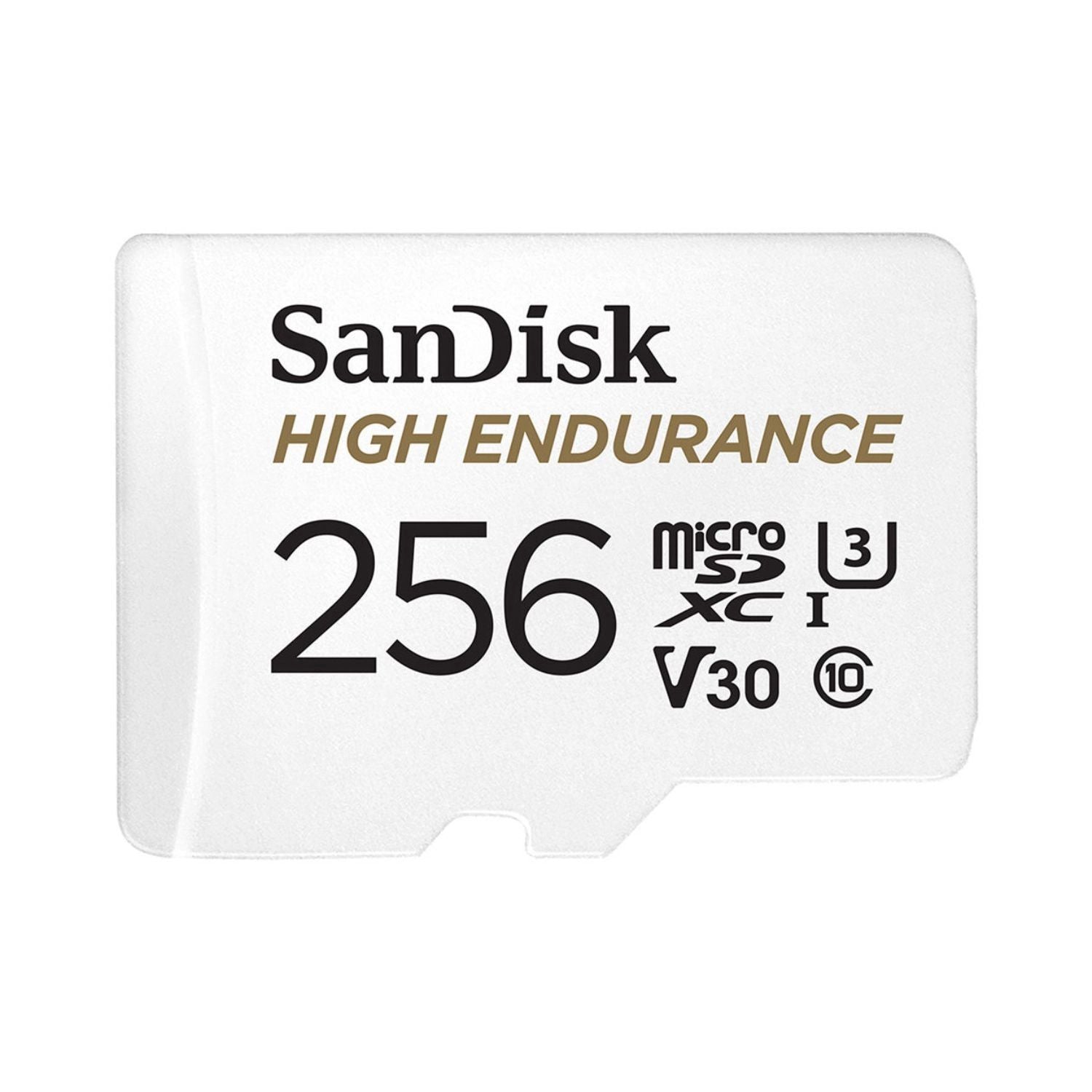
The SanDisk 128GB High Endurance microSDXC and the SanDisk 256GB High Endurance microSDXC are made for this job. SanDisk rates them for up to 10,000 hours of Full HD recording, and the product pages describe them as temperature-proof, waterproof, shockproof and X-ray proof, with support for loop recording. They are UHS Speed Class 1 (U1) with read speeds up to 100MB/s, which suits a dashcam's modest write needs and does not suit 4K camera work. Both come with an SD adapter.
Picking the capacity is a loop-length decision. As an illustration only: a dashcam writing at 10 Mbps uses about 4.5 GB an hour, so a 128GB card holds roughly 25 hours of footage before it starts overwriting. Check your dashcam's own bitrate and its listed maximum card size. Some dashcams stop at 128GB, and a 256GB card is wasted there.
When two smaller cards beat one big card
A big card is convenient. It is also one thing that can fail with the whole job on it. Two 128GB cards often beat one 256GB card for these reasons:
- One failure costs half, not everything. A corrupted card is rare, but a wedding is not repeatable.
- Natural swap points. Change cards between ceremony and reception, or between travel days. Each card then holds one clean chunk of the story.
- Faster offloads. Copying two cards in parallel is easier than waiting on one card holding hours of footage.
- Dual-slot bodies. Use the second slot as a live backup for anything you cannot reshoot.
The opposite holds for drones and action cameras, where swapping a card mid-flight or mid-ride is a hassle. There, one larger card is the better answer. Offload the same day either way, and keep a copy on a portable drive in a protective hard case.
Cards worth a look
- SanDisk 256GB Extreme PRO SDXC: V30, up to 140MB/s write, for cameras shooting RAW and 4K.
- SanDisk Extreme PRO microSDXC: V30, U3 and A2, for action cameras, drones and phones. Its page lists 64GB to 1TB.
- SanDisk Extreme GO microSD: 32GB to 2TB, with read speeds up to 240MB/s on 128GB and above.
- SanDisk Ultra GO microSD: 32GB to 1.5TB, with read speeds up to 190MB/s on 128GB and above, for phones, tablets and drones.
Browse the full range in our memory card collection.
Frequently asked questions
Is 128GB enough for 4K video?
For most people, yes. At a typical 100 Mbps 4K setting, Sony's figures put 128GB at about two and a half hours. High-bitrate modes use the card faster, so check your camera's recording-time table.
Is a 64GB SD card enough for a camera?
It works for JPEG, casual RAW and Full HD. A 33MP camera fits about 1,900 compressed RAW files on 64GB, according to Sony's help guide. For 4K or event work, 128GB is more comfortable.
Do I need a high endurance card for a dashcam?
If the dashcam records continuously and loops over old clips, yes. High endurance cards are rated for that constant overwriting. A standard card can wear out sooner under the same workload.
Why does my 256GB card show less than 256GB?
Marketed capacity counts in decimal units, and formatting uses some space. The product page for the SanDisk 256GB Extreme PRO SD says usable space is typically around 230GB to 240GB.