

DNP DS-RX1 Photo Printer Guide for India: Who Needs Dye-Sub
A plain guide to DNP dye-sublimation photo printers: who needs one, print sizes, speed, media sets and how dye-sub compares with inkjet.
12 October 2026
Share
A DNP dye-sublimation printer suits anyone who hands out prints on the spot: event photographers, photo booth operators, studios and wedding album makers. The DS-RX1HS prints 4x6 in about 12.4 seconds, the DS620 is the compact 6-inch option, and the DS820 handles 8-inch work. Inkjet is cheaper to start with, but dye-sub gives predictable running cost per print.
What dye-sublimation actually does
A dye-sub printer does not spray ink. It uses heat to transfer dye from a ribbon onto specially coated paper, layer by layer. DNP lists the DS-RX1HS technology as dye-sublimation thermal transfer.
The result is a smooth-toned print that comes out dry. You can hold it the moment it drops into the tray. No smudging, no waiting, no worry about a sweaty hand at a crowded sangeet.
Who needs one
Event photographers. If you shoot weddings, corporate events or college fests and want to give guests a print before they leave, this is the category. Shoot, cull, print, hand over.
Photo booth operators. The RX1HS is a 6-inch class printer that can print 2x6 strips, the classic photo booth format. DNP says it works with a wide range of third-party photo and photo booth applications, and recommends checking with an authorized reseller for your exact software.
Studios. Passport-style and portrait walk-in jobs benefit from fast, same-visit prints without sending files to a lab.
Wedding album makers. Small prints for sample books, guest cards and family copies are easy to produce in-house. For large album spreads, a lab or the 8-inch DS820 is the better fit.
Not the right pick if you print a handful of photos a month, need A4 documents, or want to print on any paper you like. Dye-sub only works with its matching media. For occasional prints, a lab or a basic inkjet is more sensible.
The DNP models we stock
All three are 6-inch or 8-inch class printers. Specs below come from DNP's own page for the RX1HS and from our product pages for the DS620 and DS820.
| Model | Print sizes | Speed (as listed) | Best for |
|---|---|---|---|
| DNP DS-RX1HS | 4x6, 6x8, 6x6, 2x6 strips | 4x6 in about 12.4 seconds, up to about 290 4x6 prints per hour | Photo booths, events, high volume 4x6 |
| DNP DS620 | 4x6 up to 6x8, with rewind function | 4x6 in 8.3 seconds | Studios, kiosks, smaller event setups |
| DNP DS820 | 4x8 up to 8x12, panoramic up to 8x32 | 8x10 in 29.3 seconds | Studios and labs that need larger prints |
Notice the DS620 lists a faster 4x6 time than the RX1HS. The RX1HS pulls ahead on sustained throughput and on its photo booth features, including 2x6 strips and USB iSerial, which lets one computer address several RX1HS printers. Read the speed figures as per-print times, not as a ranking of the whole workflow.
Print sizes and finish
On the RX1HS, 4x6 and 6x8 are the main sizes. DNP also lists 6x6 and 2x6 strips, and says panorama printing is not supported. If you need long panoramic prints, the DS820 is the model that lists them, up to 8x32 on our product page.
The RX1HS prints glossy or matte. The DS820 page lists glossy, matte, luster and fine matte options. Match the finish to the job: glossy for vivid wedding prints, matte for portraits that will be handled and passed around.
Media and ribbon basics
Dye-sub media comes as a set: paper plus the ribbon that goes with it. You cannot mix and match. A set is built for a specific size and a specific printer family.
For the RX1 family, DNP lists 700 prints per set at 4x6 and 350 prints per set at 6x8. Our 4x6 media set page also lists 700 prints and a 1 year warranty. Our 6x8 set is listed as two rolls with the matching ink ribbons for 700 prints, but check the page for current availability.
Two practical points:
- Buy the media that matches your exact model, and confirm the model name on the media set page before you order a stack.
- Count your media like inventory. Each set has a fixed number of prints, so you always know when you are about to run out. That matters at a wedding where you cannot pause for a reorder.
You can browse the full range on the DNP collection, including the 4x6 media set for the DS-RX1 when it is in stock.
Running cost logic
With dye-sub, your cost per print is basically media set cost divided by prints per set. That is the whole calculation. A set that yields 700 4x6 prints gives you a flat per-print figure whether the image is mostly white or fully saturated.
Inkjet works differently. Cost depends on how much ink the image uses, on head cleaning cycles, and on how often the nozzles clog when the printer sits idle. In an Indian monsoon or a long gap between events, clogged heads are a real nuisance.
So the logic runs like this:
- Estimate prints per event or per month.
- Divide your media set cost by its print count to get a per-print figure.
- Compare that with what you will charge or what a lab costs.
- Add the time you save by not waiting on a lab.
If you print in volume, the predictable figure is easy to price into a package. If you print rarely, the printer sits unused and the maths does not work.
Dye-sub vs inkjet
- Finish. Dye-sub prints come out dry. Inkjet prints can smudge until dry.
- Speed. Dye-sub prints in seconds at 4x6. Inkjet takes longer per photo at similar quality.
- Cost control. Dye-sub is a fixed cost per print. Inkjet varies with the image.
- Flexibility. Inkjet prints on many papers and sizes, including documents. Dye-sub is limited to its media and sizes.
- Idle time. Dye-sub does not have nozzles to clog. Inkjet does.
Setting up for events
The RX1HS connects over USB 2.0, and DNP provides a Windows status app, a Mac print driver and a Windows Hot Folder Print utility from its website. Hot Folder printing is useful at events: drop files into a folder and they print automatically.
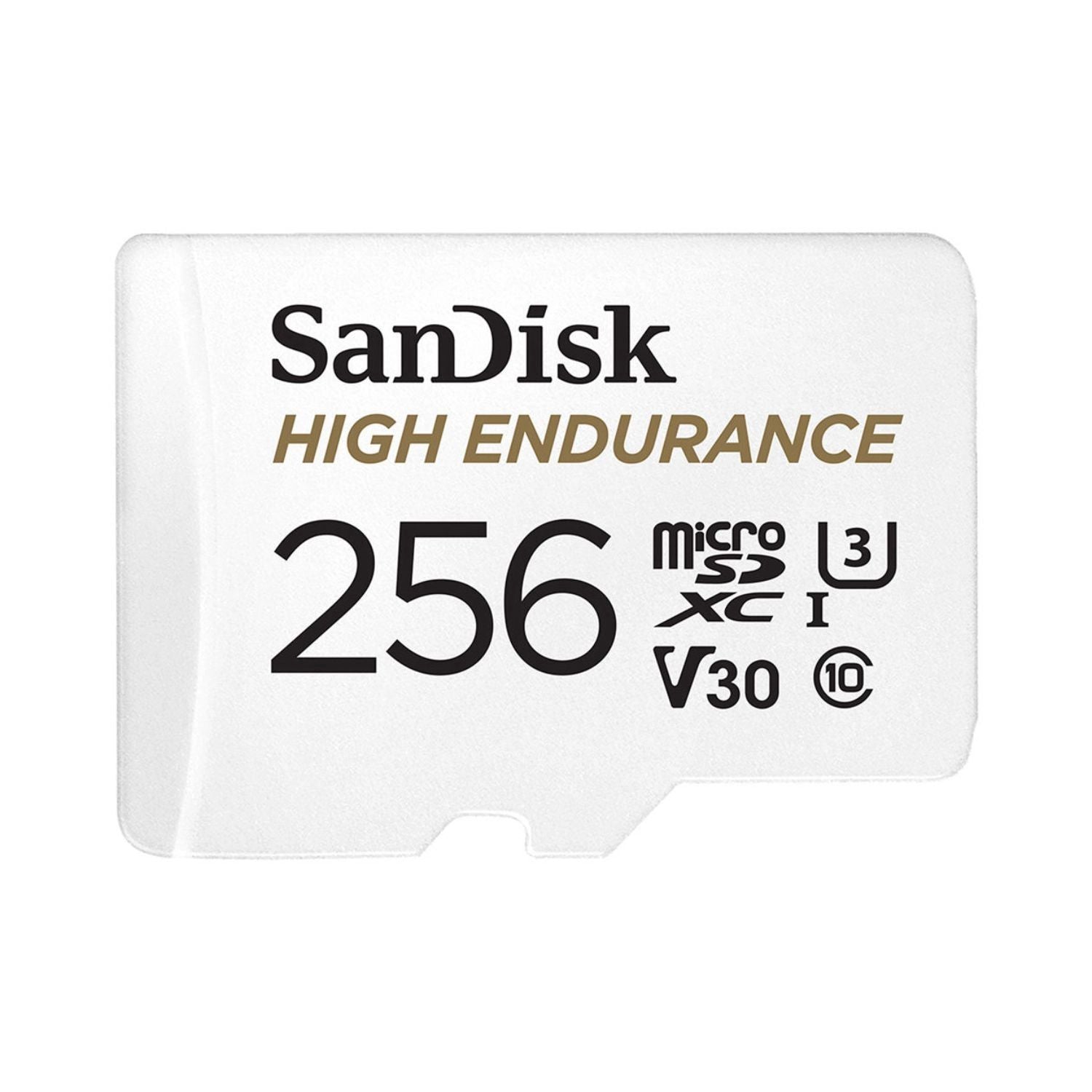
The printer needs mains power, so plan an extension and a surge protector at venues. Keep your camera cards sorted too. Our memory card guide helps with that, and a sturdy case from the hard case buying guide keeps gear safe on the road to the venue.
Before you buy
Decide your main print size first. If nearly every job is 4x6, any of the three models works and speed per print becomes the deciding factor. If you need 8-inch work, only the DS820 fits. Then check your software, your power setup at venues and how many prints you expect per event, so you order enough media sets in advance.
Frequently asked questions
Which DNP printer is best for a photo booth?
The DS-RX1HS is the one aimed at photo booths. It prints 2x6 strips, handles 4x6 quickly and works with many third-party booth applications. Confirm your software with an authorized reseller.
How many prints does one media set give?
For the RX1 family, DNP lists 700 prints per set at 4x6 and 350 at 6x8.
Can the DS-RX1HS print panoramas?
No. DNP states panorama printing is not supported. The DS820 lists panoramic prints up to 8x32.
Is dye-sub better than inkjet for photos?
For quick, dry, predictable prints at event sizes, yes. For documents, odd papers or very occasional use, inkjet is more flexible.
Do I need special paper?
Yes. Dye-sub uses matched media sets with a ribbon, so buy the set made for your exact model.